
Settings, and what each one changes
The calendar belongs to one person and is usually kept by another. Settings is where the two of you agree on how it should look: which view opens, which colours, which clock, and what the first day of the week is.
How the week opens
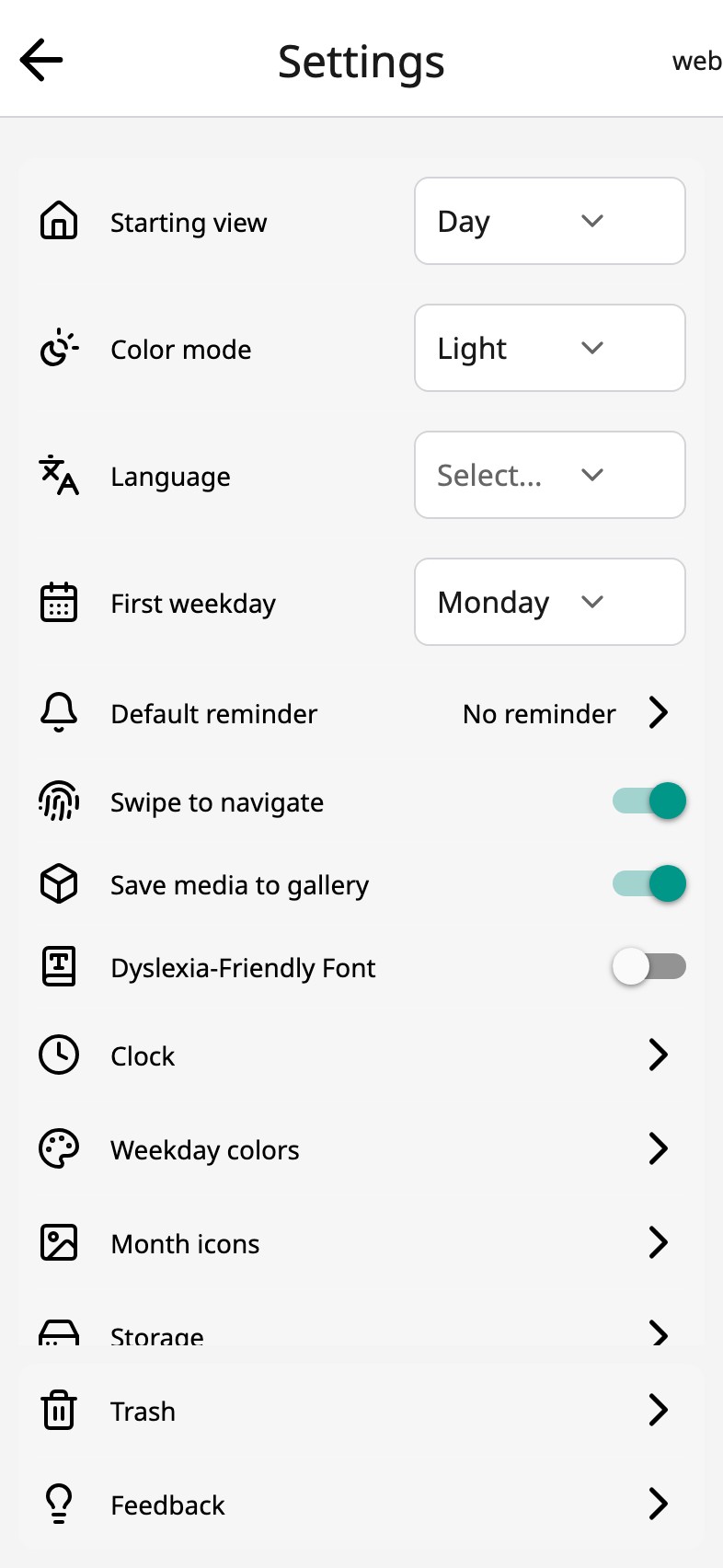
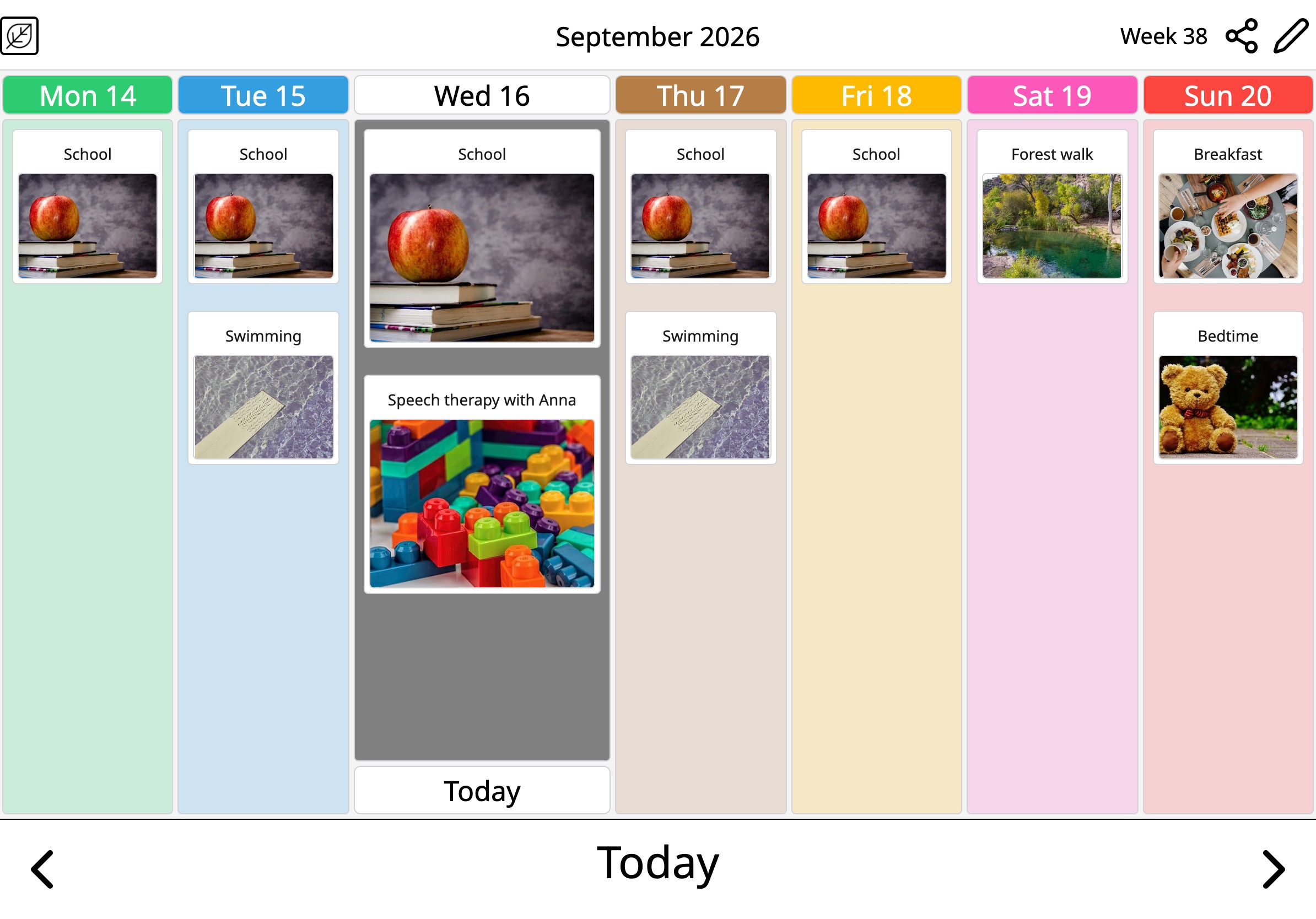
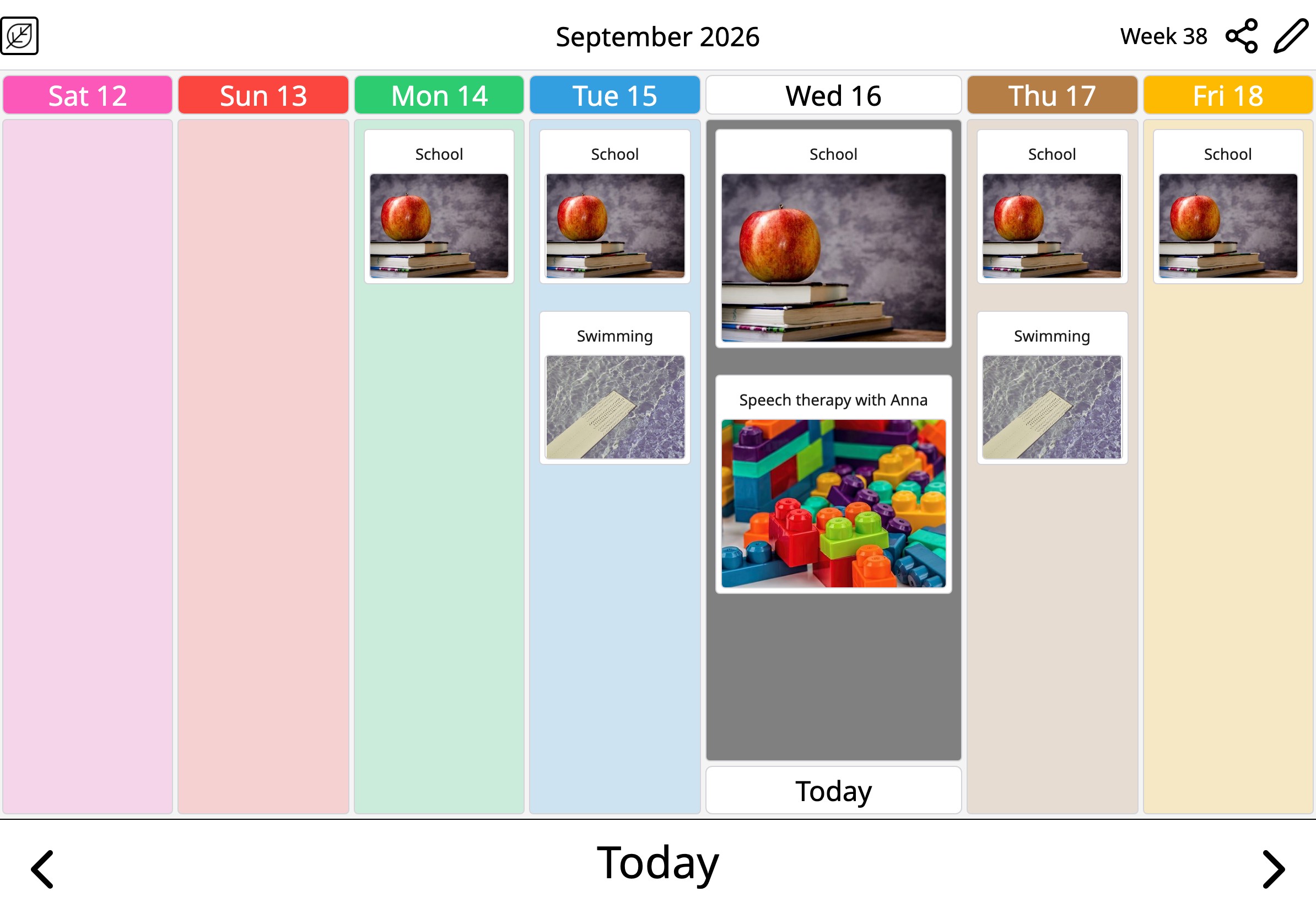
Starting view decides whether the app opens on the day, the week or the month. First weekday puts Monday, Saturday or Sunday at the front — the week view and the month follow it. Swipe to navigate can be switched off for hands that swipe by accident, and Clock chooses digital, analogue or both.
Light, dark, and a font that is easier to read
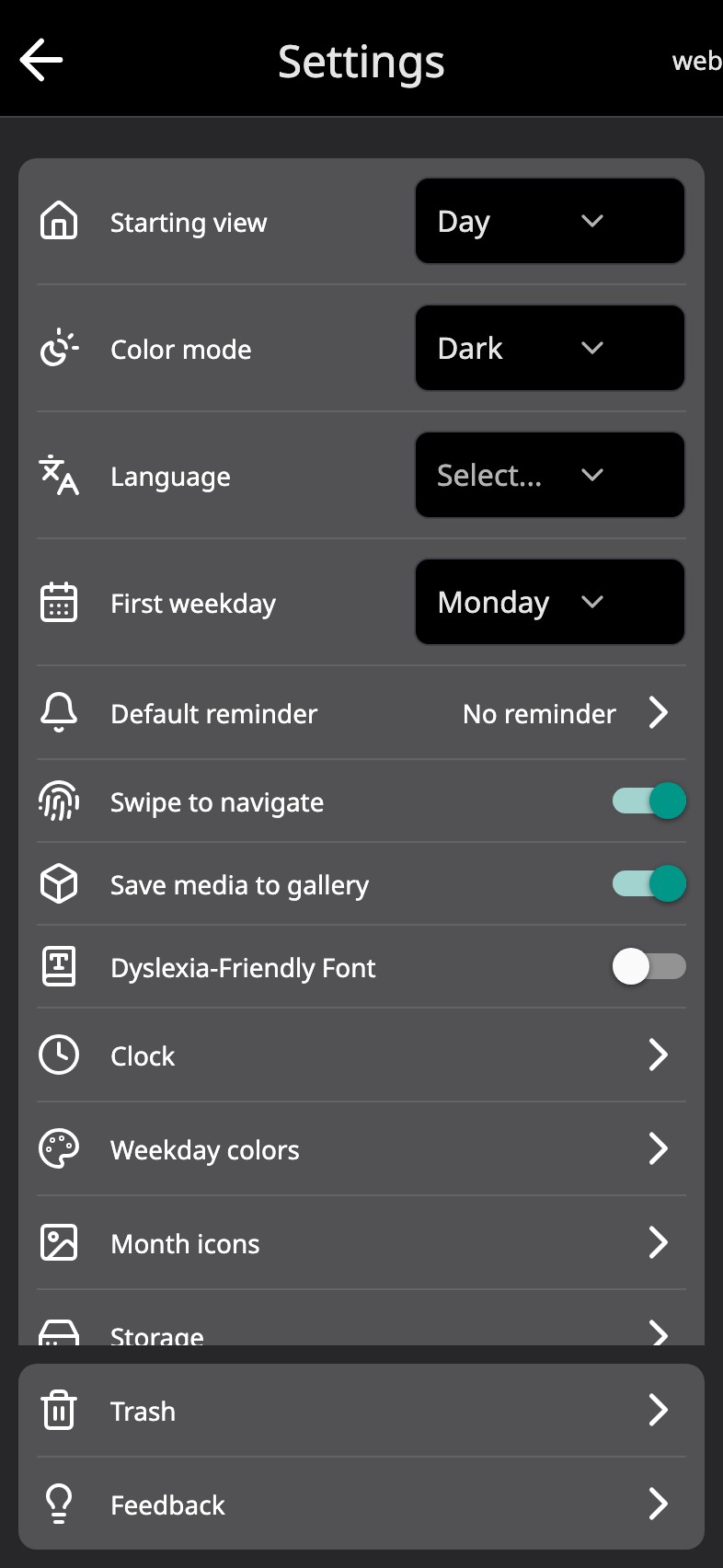
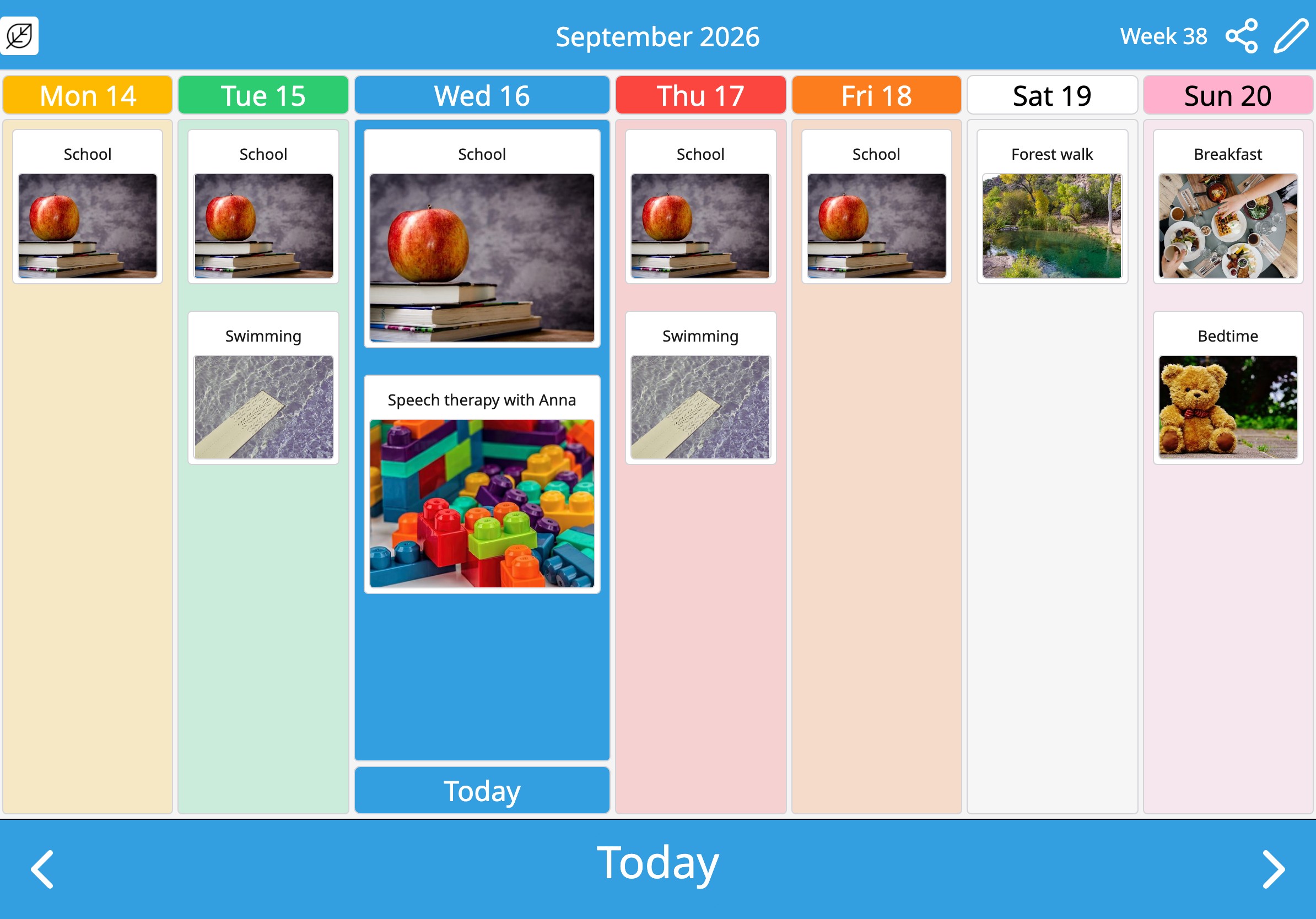
Color mode follows the device, or stays light or dark; in the dark the weekday colours become the writing. Dyslexia-friendly font swaps the letters for OpenDyslexic throughout the app. Language follows the device, or is chosen here.
Your colours
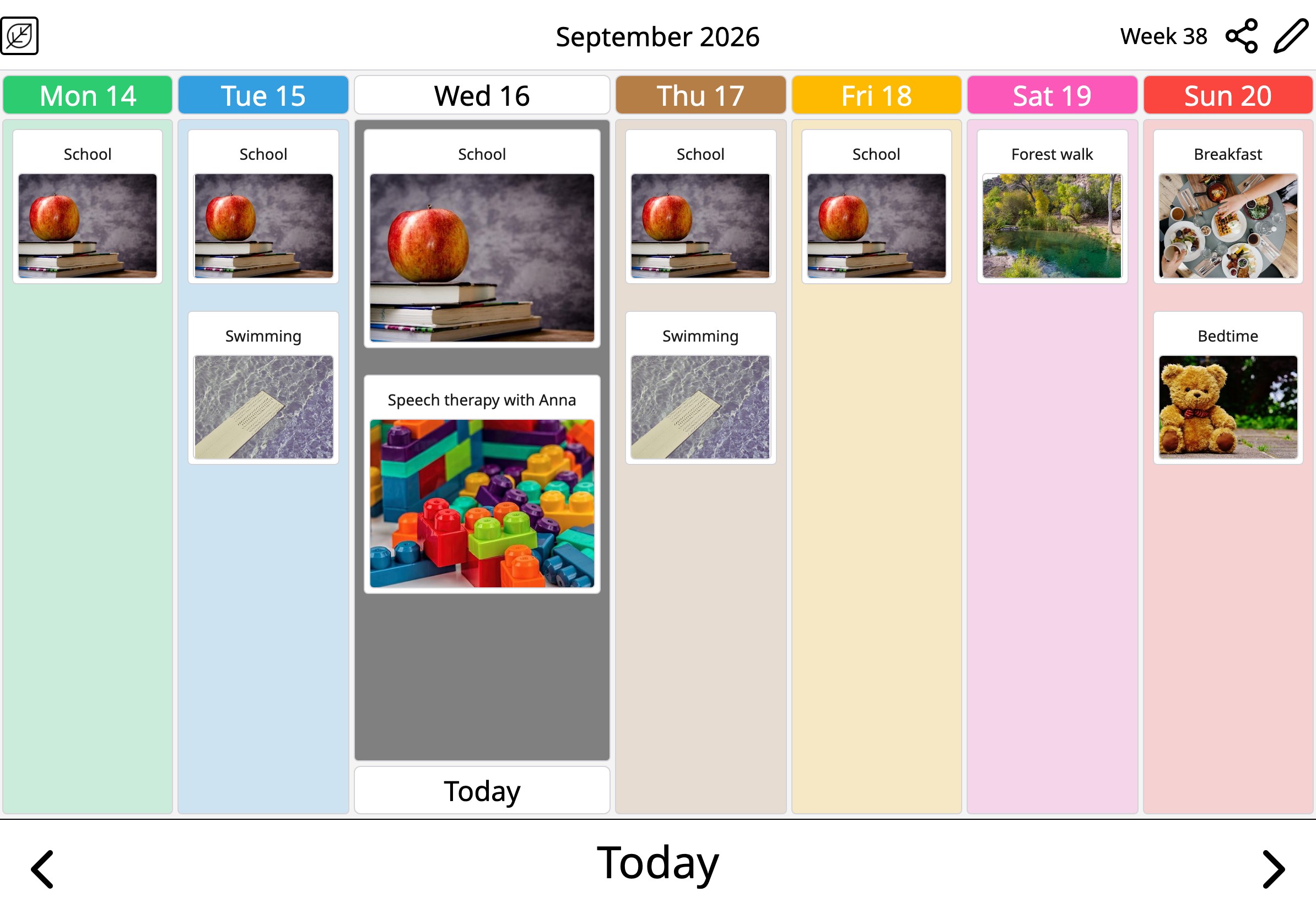
Two sets are in common use: the Nordic one the app starts with, and the one German and Austrian schools teach. Neither is a setting to pick — every day has a pencil, so you can match whichever set the person already knows, or any colour at all. Reset brings the original back.
And the rest of the list
Default reminder sets the reminder every new activity starts with. Storage shows what the calendar uses on the device — the photos and recordings are files there, not on a server. Trash holds what you deleted, with the days each item has left. Month icons gives every month its own picture. None of it needs an account, and none of it is waiting on one.
Everything here changes what the person reading the calendar sees, not what the person keeping it can do. That is the point of them: the calendar belongs to one person and is usually kept by another.
Frequently asked
Can I make the text bigger?
Moi Calendar follows the text size set on the device, up to the point where the cards would stop fitting. There is no separate size setting in the app.
Do the settings need an account?
No. Everything in Settings lives on the device. Moi Calendar is free and works offline.
Which language does Moi Calendar speak?
The device's, if it is one Moi Calendar has; otherwise the one you pick under Language. The voice that reads activities aloud is the device's own.
Your week, in pictures