
A phone of their own
Give the phone to the person the calendar is for, and it is theirs: their days, their photos, their own voice on them, with as much freedom as suits them. You choose what they can do, and you stay you.
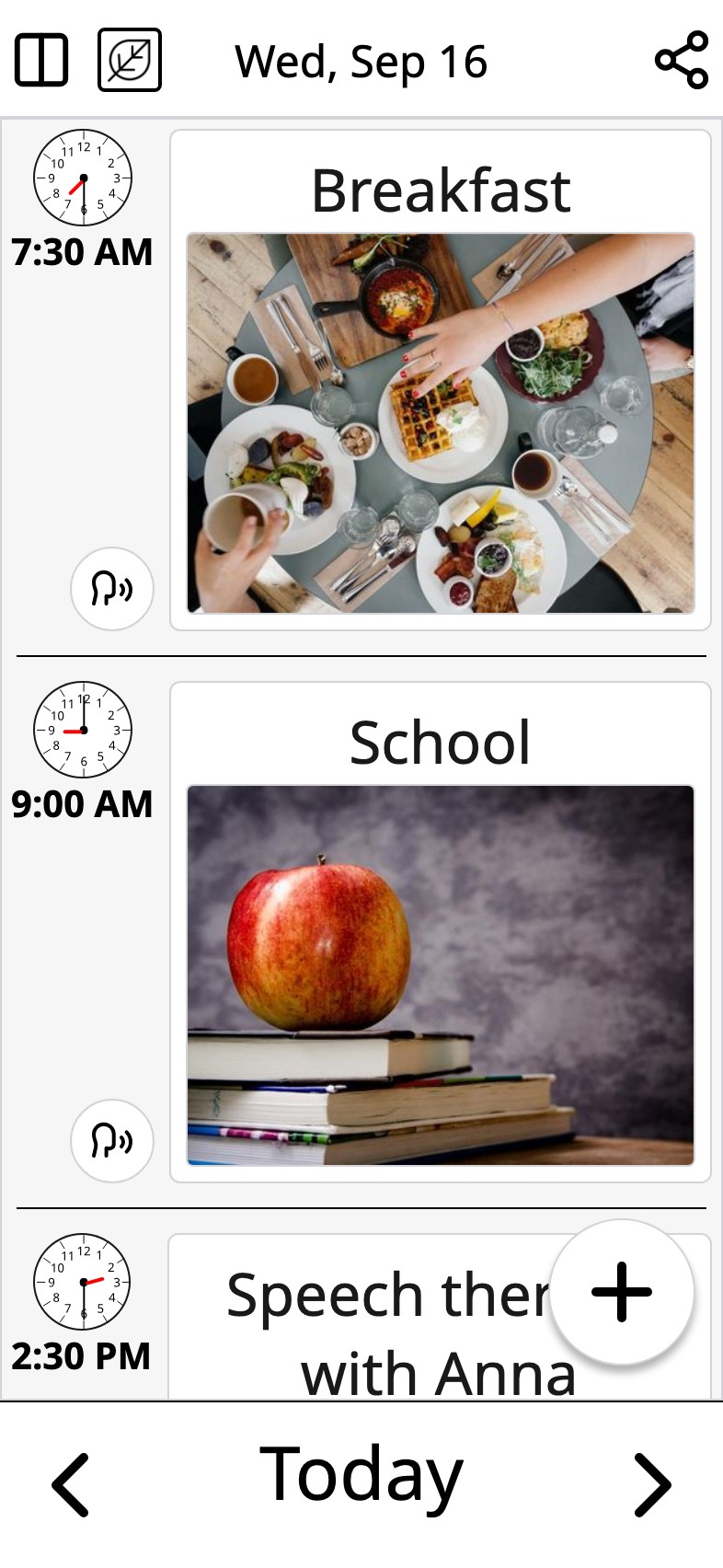
Give the phone to Aino
Who is it? A first name, and nothing else. What can she do? That is yours to choose. Then your code: four digits. The last question is “Give this phone to Aino?”, and Moi opens on her calendar.
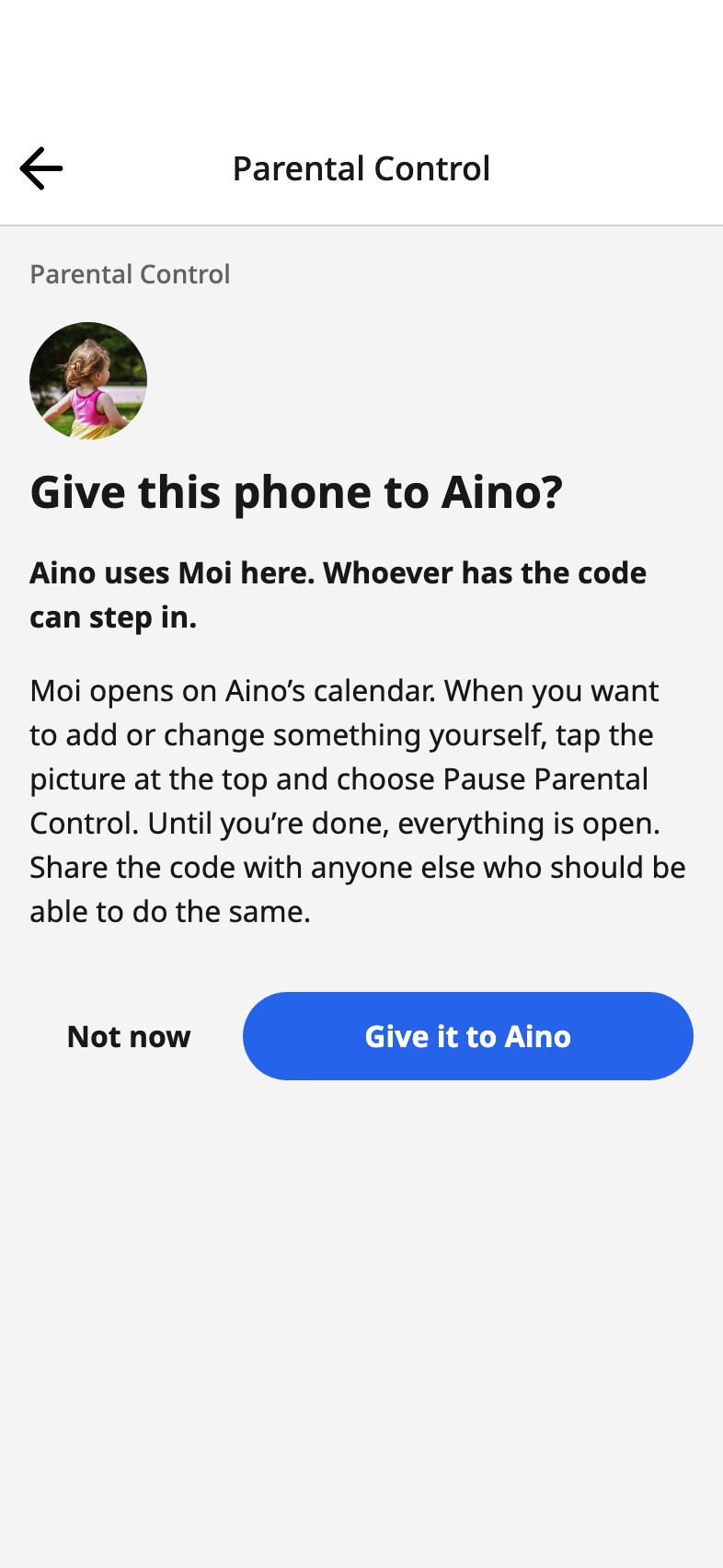
As much freedom as suits her
Look: she sees the days, and nothing on the calendar changes. Add: she adds photos, text and plans, and nothing can be changed or removed, not even what she added. Add and edit their own: she adds, and changes or removes what she added herself; everything else stays. Add is the one most families choose: she adds, nothing disappears, and a mistake waits for you. Full access is what you keep: everything, deleting the calendar included. Another grown-up on the calendar can be given Full access from Share, which is everything but deleting it.
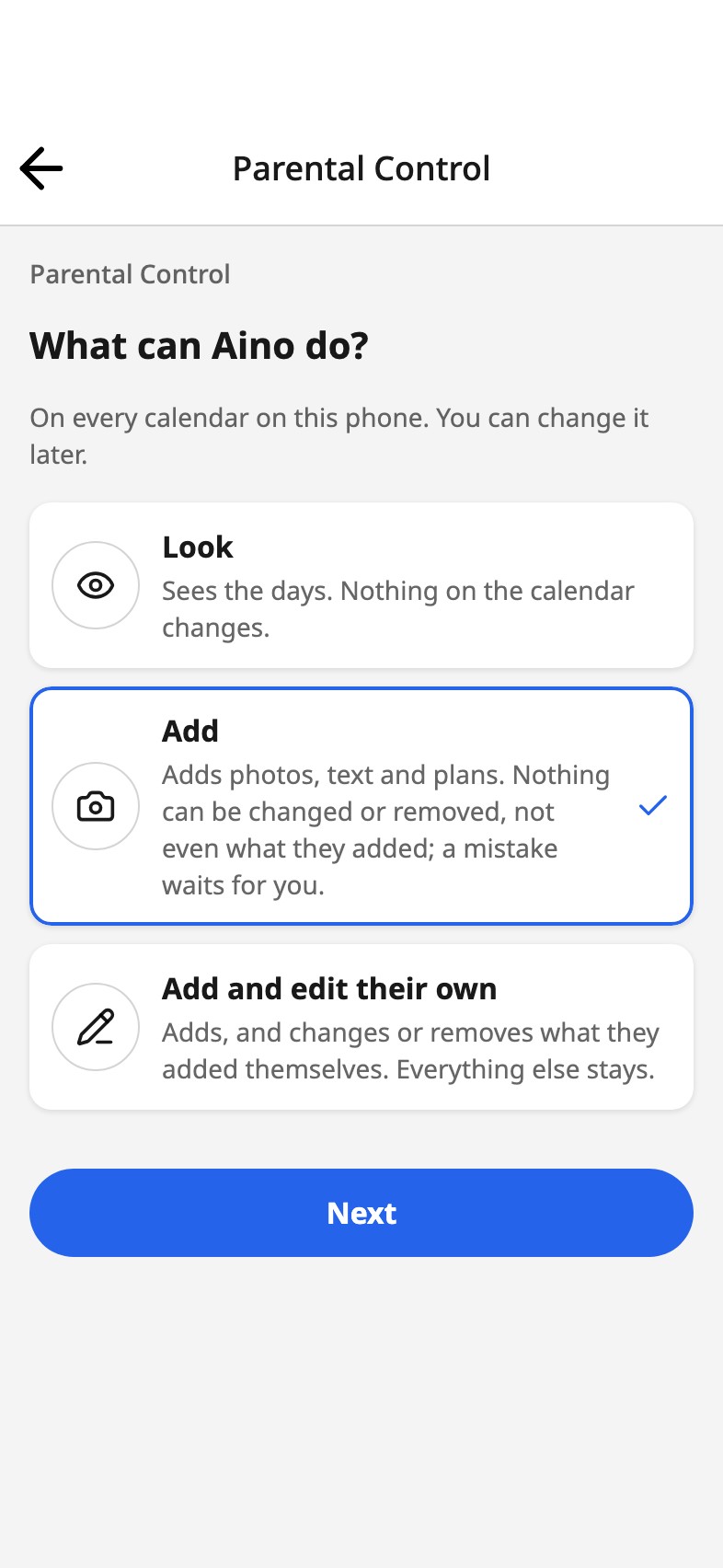
You stay you
On a phone you share, your code brings you back. Tap the picture at the top, choose Pause Parental Control, add or change what you need, then Done, back to Aino. Nothing is ever removed, and the same way you can take the phone back.
Signed in, you never need the code: her phone is hers, and yours is yours. From your own phone you change her level, put her on another calendar, choose whether her phone tells her when something is added, or sign her phone out.
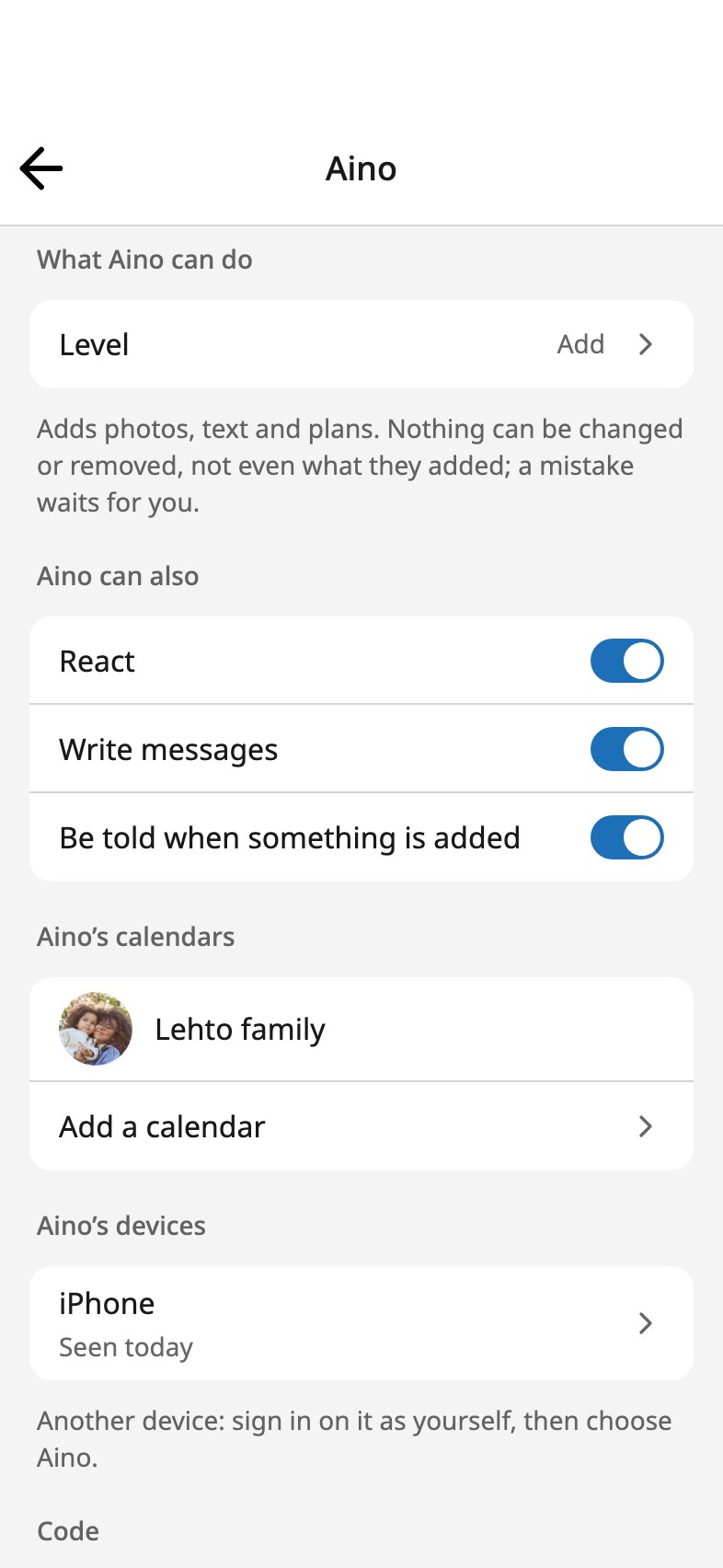
The phone is hers, not a locked-down copy of yours. What she adds carries her name, the people on the calendar see it on theirs, and her level is one of the same levels they have. No need for an account of their own: sign in as yourself on their phone or tablet and choose them, and the device is theirs.
Frequently asked
Does it work without an account?
Yes. Without an account, Parental Control lives on this device: the person, what they can do, and the code that lets you step in.
Whose account goes on a child’s device?
Yours. No need for an account of their own: sign in as yourself on their phone or tablet and choose them, and the device is theirs. Everyone on one calendar
What if she gets hold of the code?
Change it under Parental Control. Without an account, “Forgot the code?” asks a question meant for a grown-up, then lets you choose a new code.
Their days, on their own phone