
Communication
Sometimes you need more than words.
Communication is a human connection, and everyone communicates in their own way. Moi Calendar lets the person it belongs to show their day in pictures, their own voice and video, in a way that makes sense for them. What goes on a day
A way to talk about the day together, in the same room or each on your own device.

The people in Aino's life, on one calendar
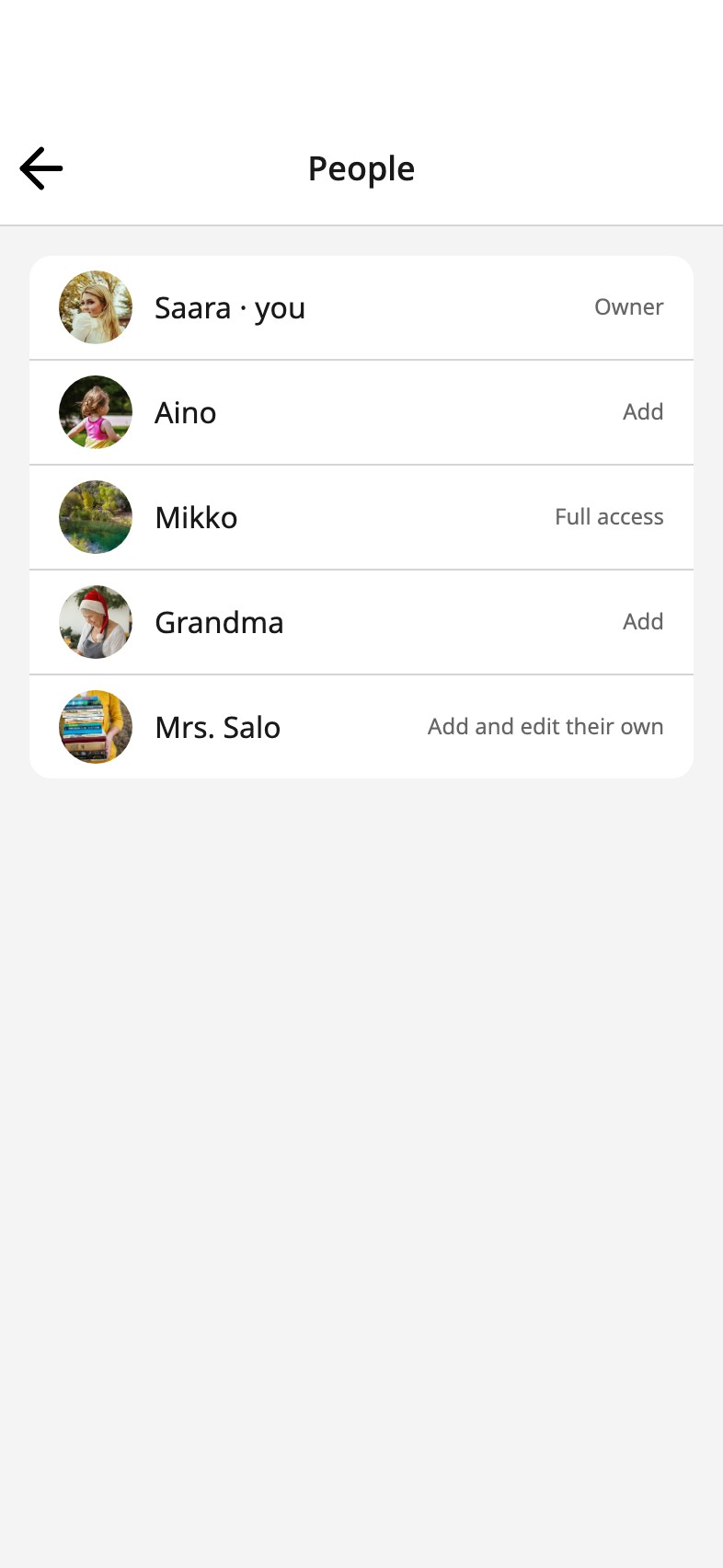
Her mum Saara, her dad Mikko, Grandma, and her teacher, Mrs. Salo, each on their own device. One calendar for all of them: the same days, the same photos, the same voices.
- Aino
- Saara
- Mikko
- Grandma
- Mrs. Salo

They take part
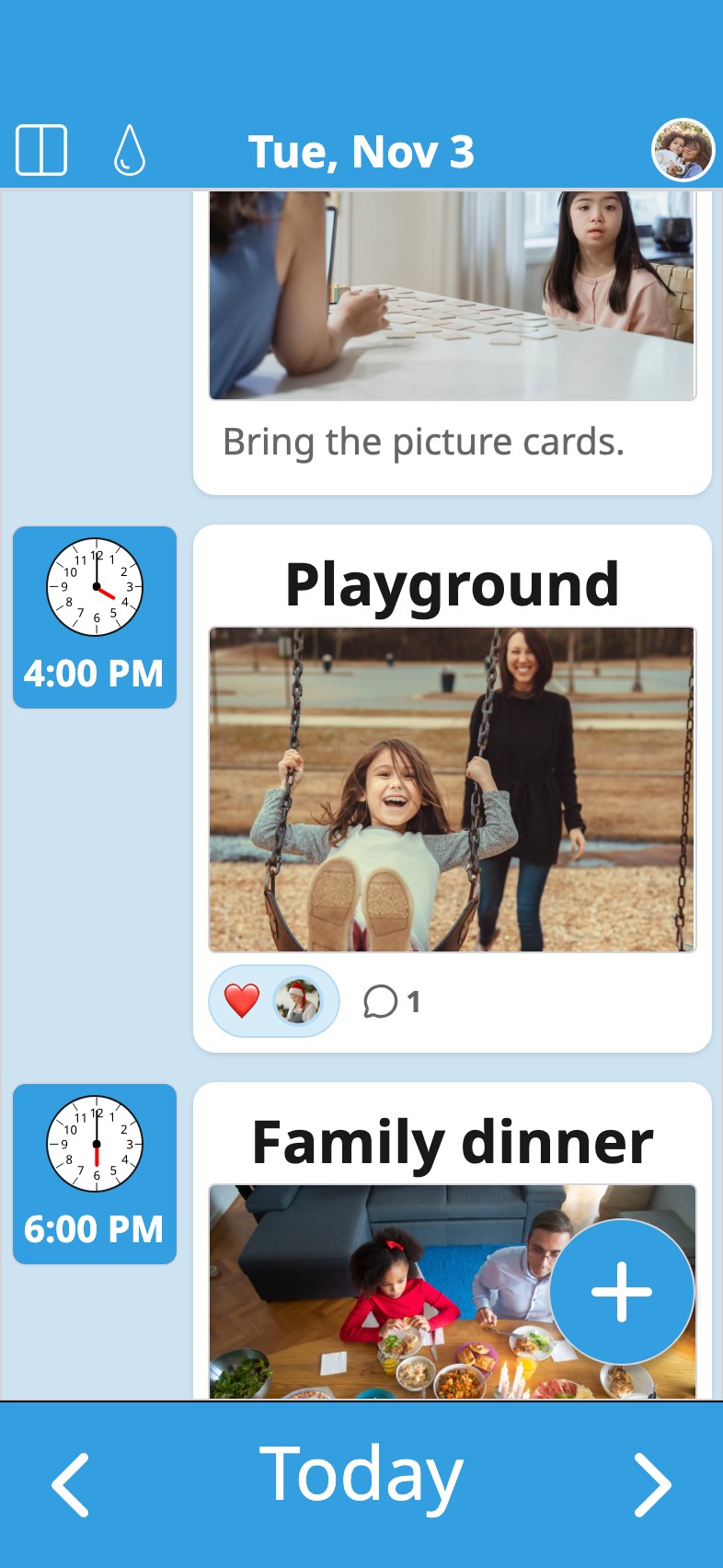
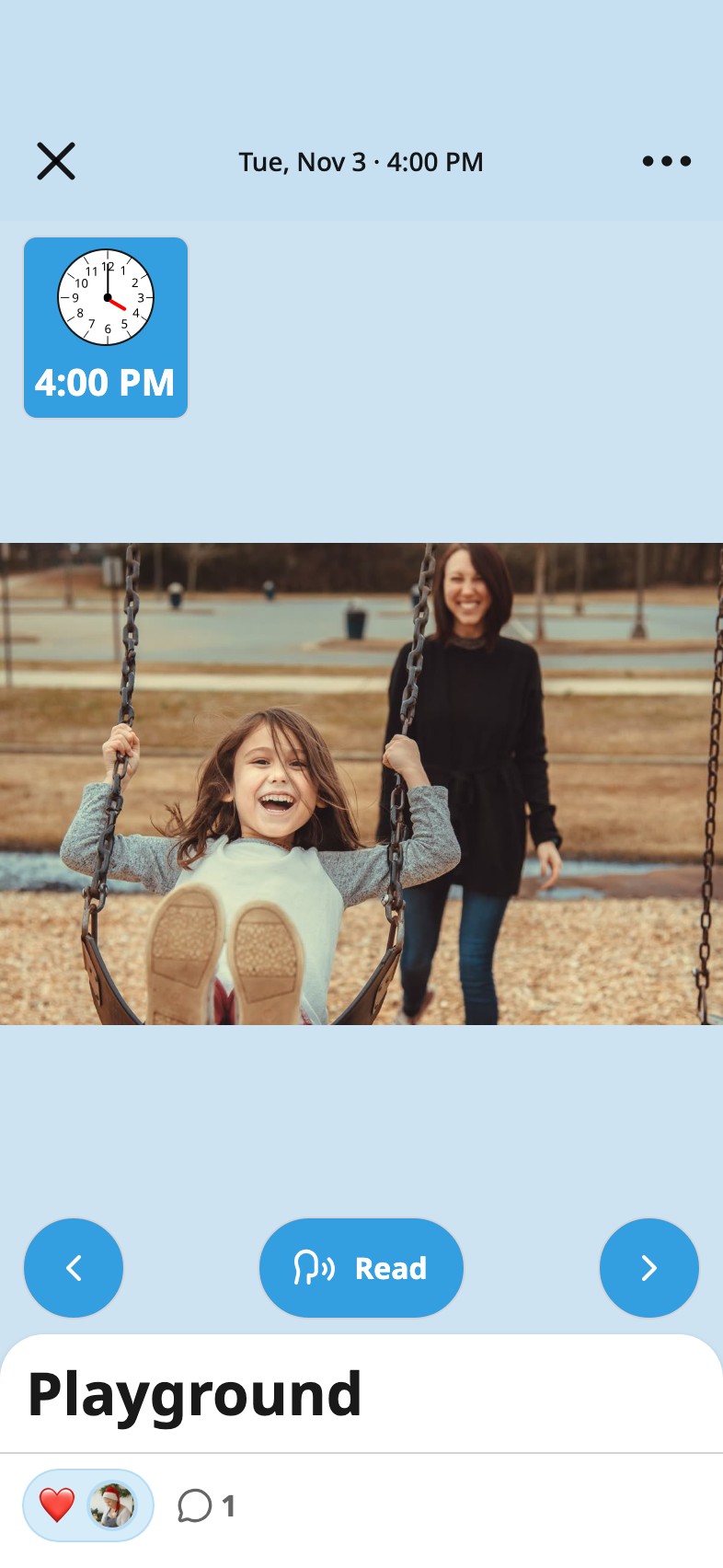
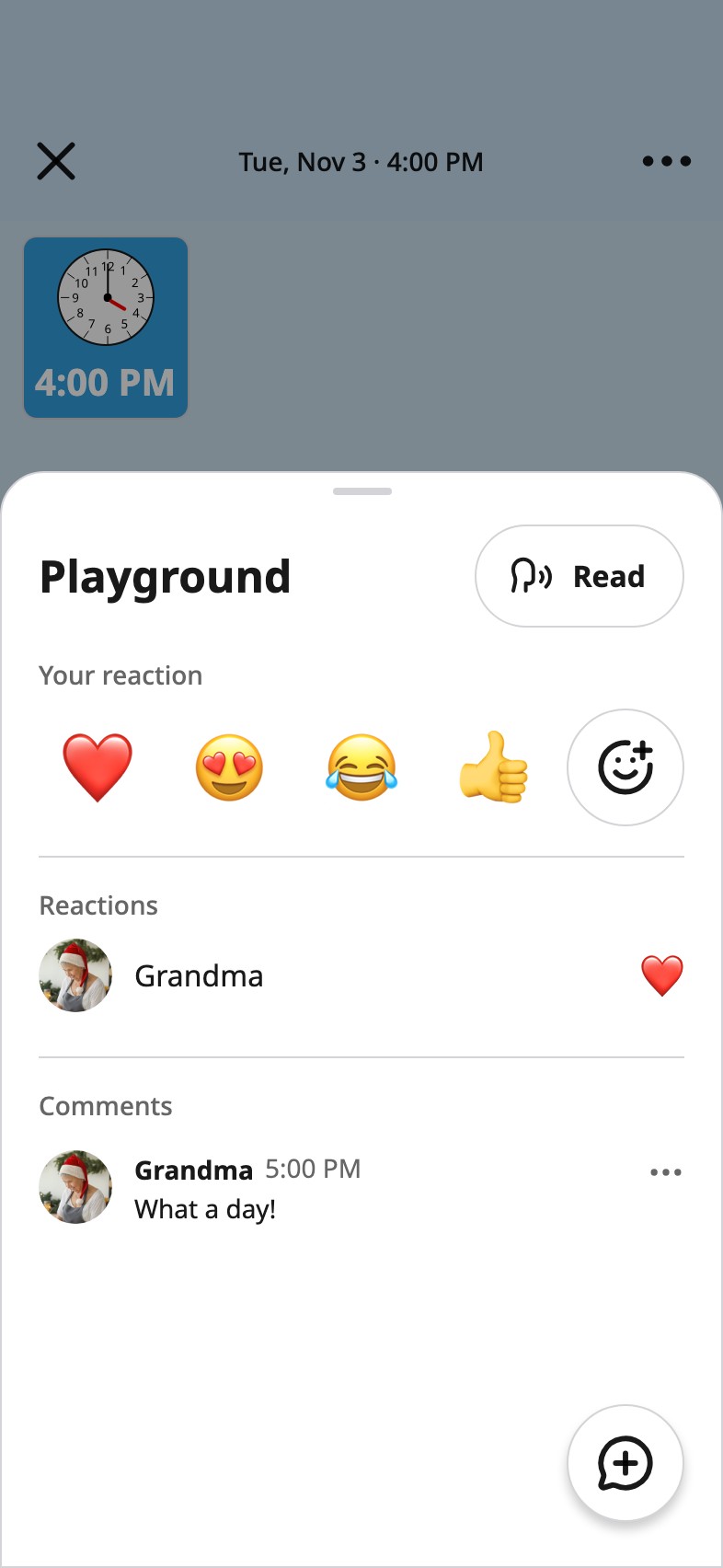
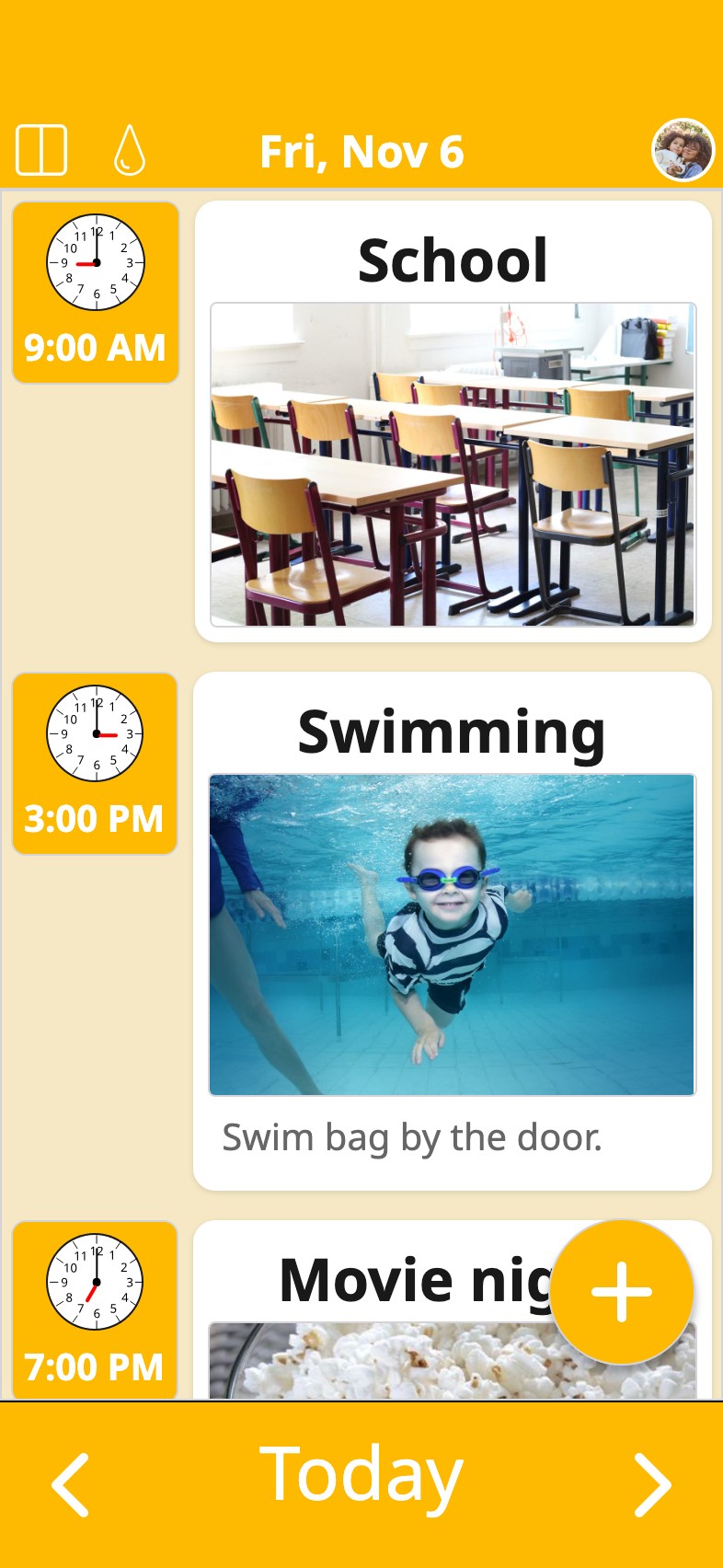
Mikko adds swimming. Mrs. Salo puts up a photo from school. Grandma puts her voice on a card, so Aino hears her. And when Aino adds the playground photo, a heart and a line from Grandma land on it, from wherever she is.
Someone saw it.
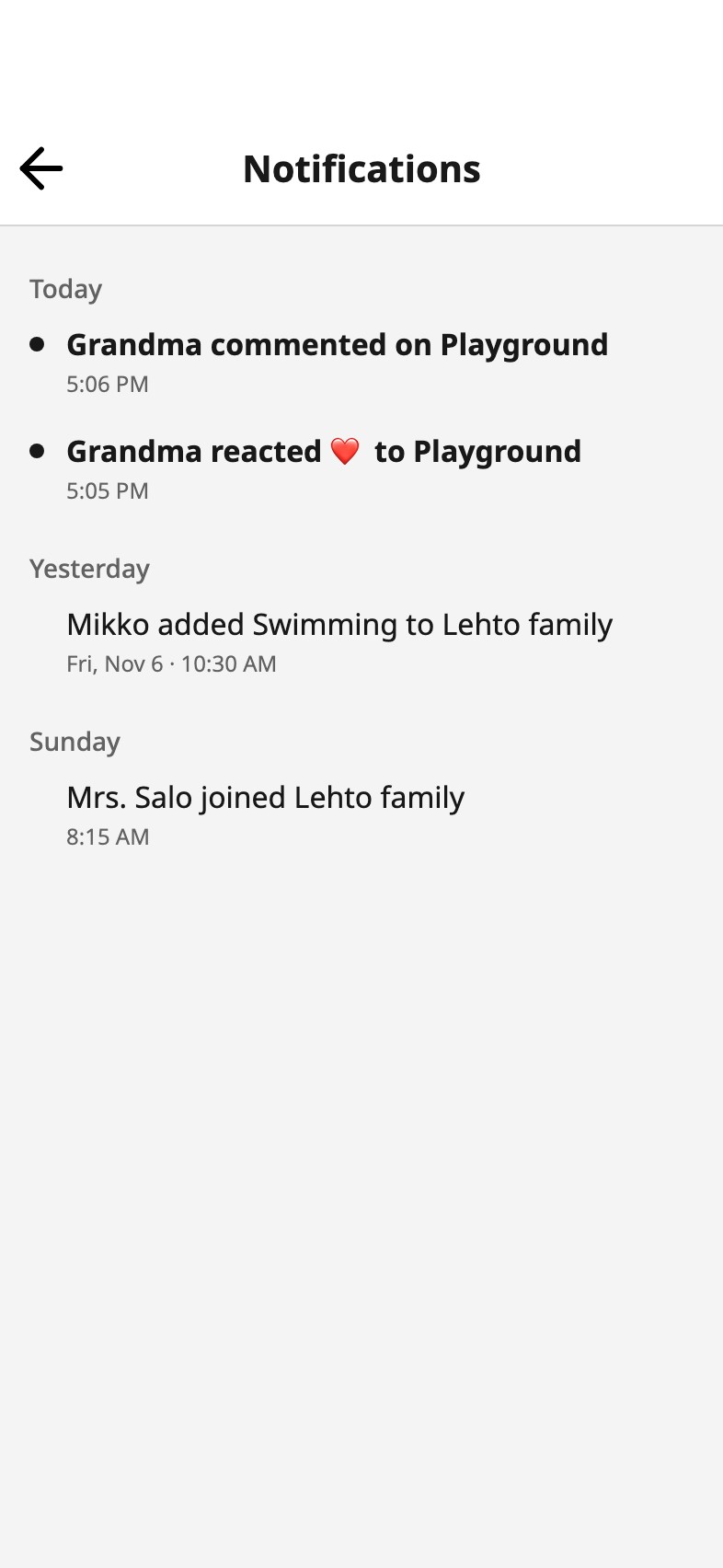
Showing your day is one half. Knowing it reached someone is the other: Grandma saw the swings, and said so.
Nothing goes wrong.
Everyone takes part at a level you choose: some only look, some add, some change what they added, and you can change anything. On her own device Aino adds to her day, and nothing disappears with a wrong tap.
On every device, and still hers.
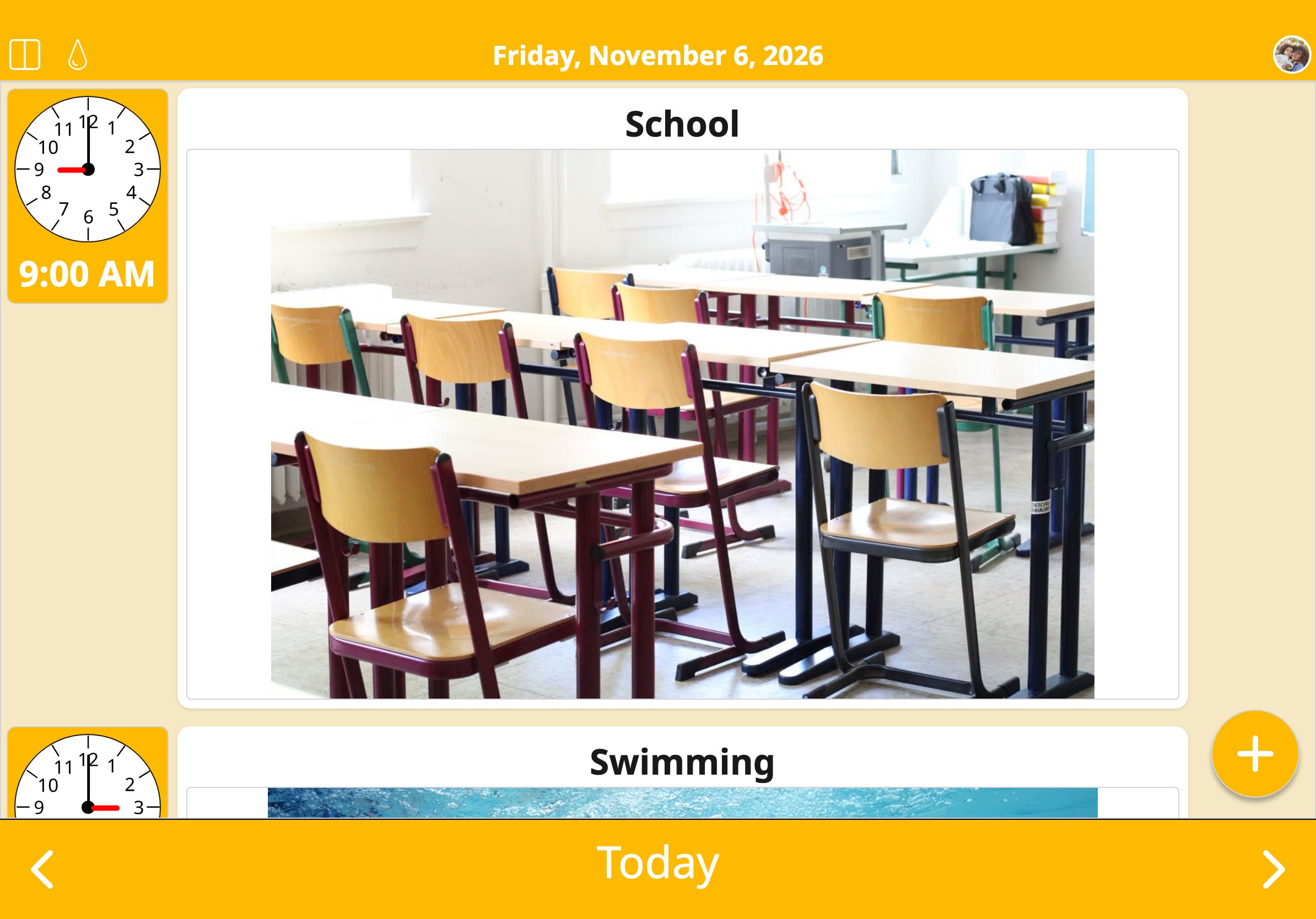
A phone, the tablet in the kitchen, a browser: the same day on each, a moment after anyone changes it. That is sync. The calendar is backed up and shared with the people you choose, and no one else, and if syncing ever stops, nothing is deleted. It stays on the device.
Ask for an invitation
Sync is in beta, by invitation. Invitations go out in waves from Freddy, who makes Moi Calendar. Leave your email and yours will come, with now and then a bit of news.
Have a code? Open it on the device your calendar is on
The app itself is free in both stores, and works without an account.


Sync is free during the beta, and nothing is ever charged without you choosing it. What it costs
Frequently asked
What does the other person need?
Moi Calendar on their own phone or tablet, or just a browser at app.calendar.moi. You invite them from Share.
Does everyone need their own account, and how do they get one?
Yes, one each. The invitation makes it: they open the link and sign in with Apple, Google or their email.
Does it cost them anything?
No. Sync is free for everyone during the beta.
Whose account goes on a child's device?
Yours. No need for an account of their own: sign in as yourself on their phone or tablet and choose them, and the device is theirs.
I already use Moi Calendar. What happens when I sign in?
Your calendar comes along. Sign in first on the device it is on.
What happens if we stop?
Syncing stops, and nothing is deleted: the calendar stays on the device.
I use My Own Interactions on the iPad. Can I bring it across?
Yes. Update My Own Interactions, sign in with your Moi Calendar account and choose the calendar. Nothing is deleted on the iPad. How to move it across