
Reminders
Some things need a nudge before they start. Moi Calendar can remind you a little before an activity: fifteen minutes before the taxi, the evening before the school trip.
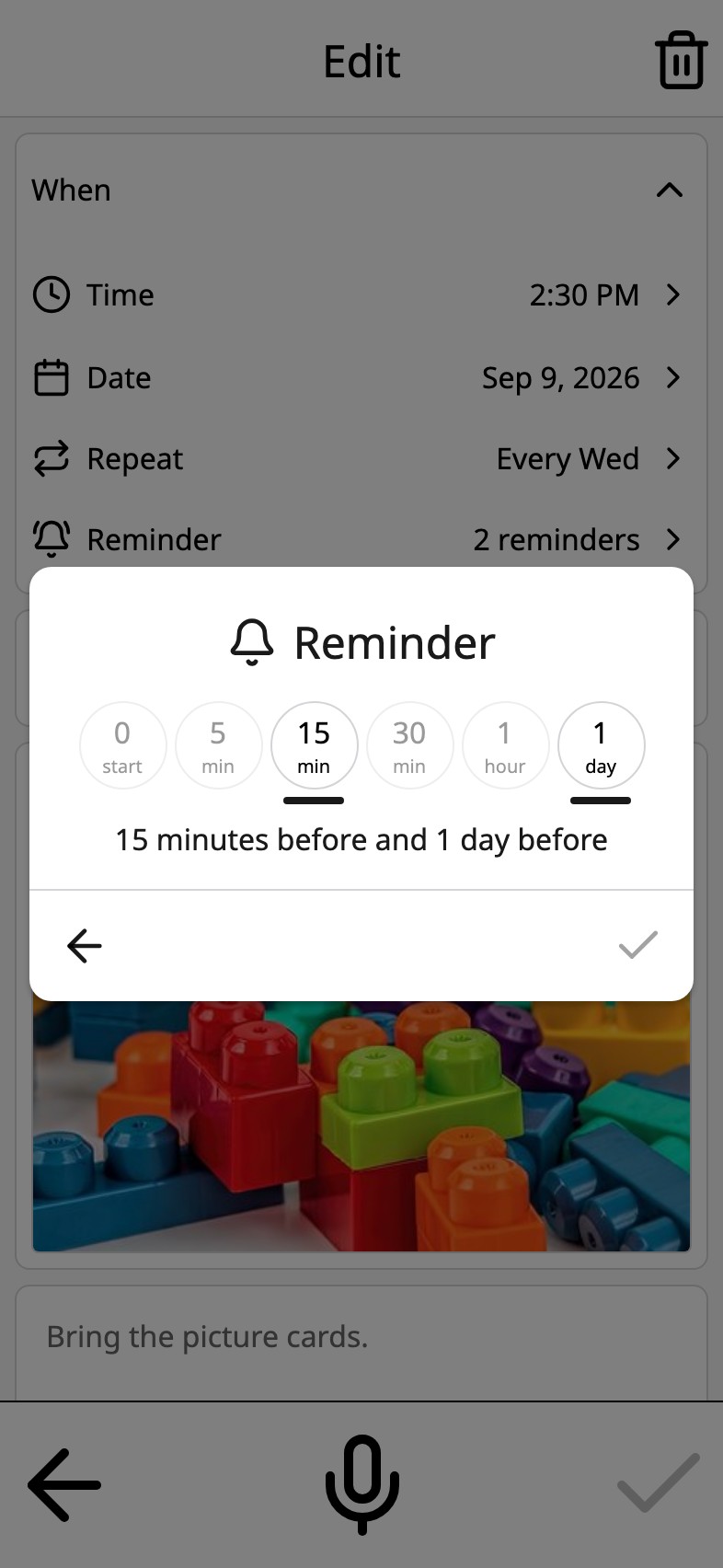
Pick how long before
Open an activity, tap Reminder, and pick from six chips: at start, five, fifteen or thirty minutes, an hour, or a day before. Pick more than one if the morning needs it.
It says what is coming
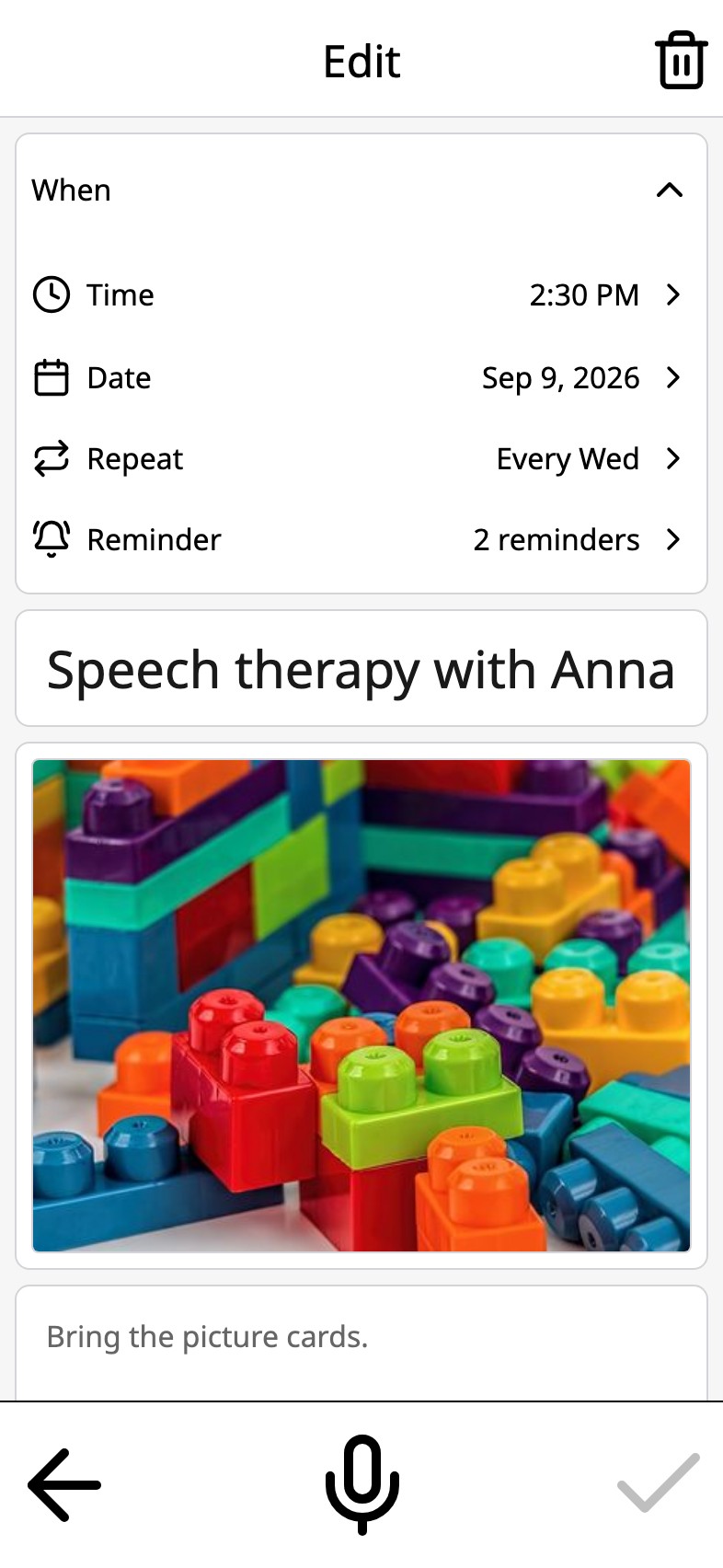
When the reminder arrives it shows the activity's name and how long until it starts. Tap it and that day opens, with the picture, the voice and everything else that is on it. On a repeating activity, the reminder follows every day it repeats.
Once for the whole calendar
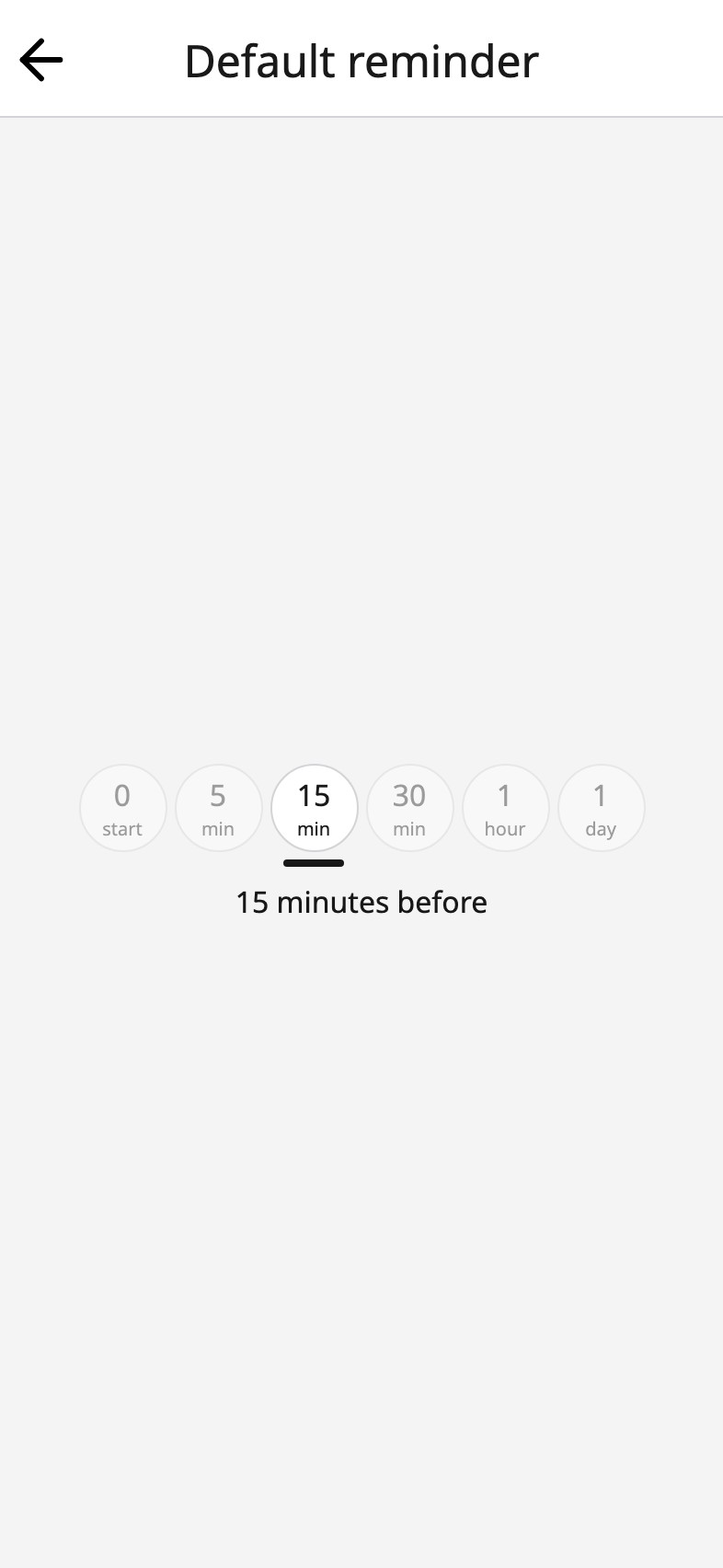
If every activity should remind you fifteen minutes before, set it once in Settings and every new activity starts with it. Change one activity without changing the rest.
Reminders are scheduled on the device that shows the calendar, so they work offline and need no account. Moi Calendar asks for permission the first time you set one, not when the app opens. Turn reminders off for a device in Settings and the calendar keeps working exactly as before.
Frequently asked
Which device gets the reminder?
The device the calendar is open on. If a family shares a calendar, each device decides for itself in Settings whether reminders are on.
Do reminders need an account or an internet connection?
No. They are scheduled on the device, like an alarm.
Can a repeating activity have a reminder?
Yes. Set it once and it follows every day the activity repeats.
Your week, in pictures